# [](https://gopeed.com)
[](https://github.com/GopeedLab/gopeed/actions?query=workflow%3Atest)
[](https://codecov.io/gh/GopeedLab/gopeed)
[](https://github.com/GopeedLab/gopeed/releases)
[](https://github.com/GopeedLab/gopeed/releases)
[](https://docs.gopeed.com/donate.html)
[](https://discord.gg/ZUJqJrwCGB)
 [](https://ko-fi.com/R6R6IJGN6)
[English](/README.md) | [中文](/README_zh-CN.md) | [日本語](/README_ja-JP.md) | [正體中文](/README_zh-TW.md) | [Tiếng Việt](/README_vi-VN.md)
## はじめに
Gopeed (正式名 Go Speed) は `Golang` + `Flutter` によって開発された高速ダウンローダーで、(HTTP、BitTorrent、Magnet) プロトコルをサポートし、すべてのプラットフォームをサポートします。基本的なダウンロード機能に加え、[APIs](https://docs.gopeed.com/dev-api.html)との連動や[拡張機能](https://docs.gopeed.com/dev-extension.html)のインストール・開発による追加機能にも対応した、カスタマイズ性の高いダウンローダーです。
見て下さい ✈ [公式ウェブサイト](https://gopeed.com) | 📖 [開発ドキュメント](https://docs.gopeed.com)
## インストール
インストールについての詳細は、[インストール](https://docs.gopeed.com/install.html)を参照してください。
## 寄付
もしこのプロジェクトがお気に召しましたら、このプロジェクトの発展を支援するために[寄付](https://docs.gopeed.com/donate.html)をご検討ください!
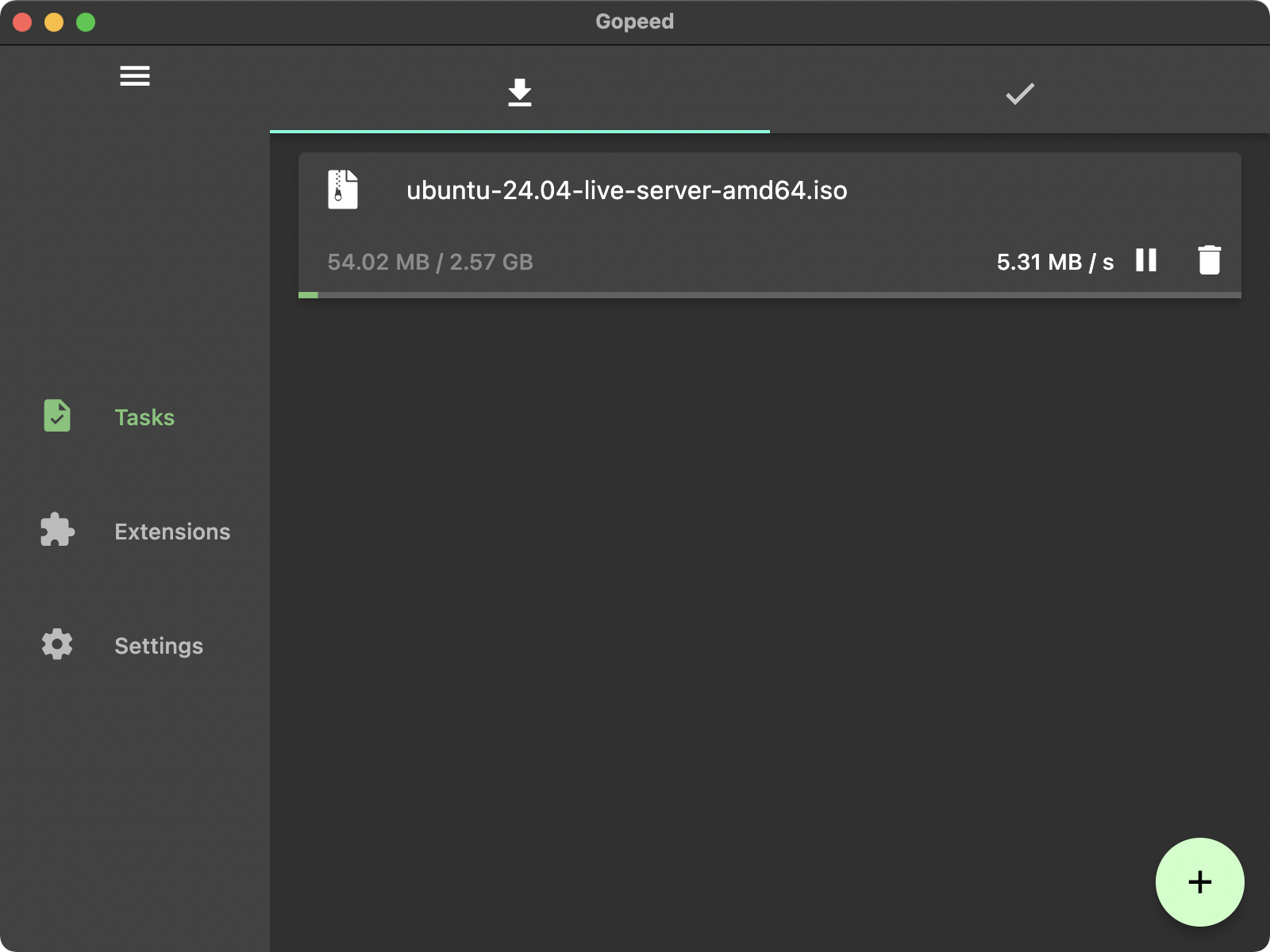
## ショーケース
## 開発
このプロジェクトは二つの部分に分かれており、フロントエンドでは `flutter` を、バックエンドでは `Golang` を使用し、両者は `http` プロトコルで通信する。ユニックスシステムでは `unix socket` を、ウィンドウズシステムでは `tcp` プロトコルを使用します。
> フロントコードは `ui/flutter` ディレクトリにあります。
### 環境
1. Go 言語 1.23+
2. Flutter 3.24+
### クローン
```bash
git clone git@github.com:GopeedLab/gopeed.git
```
### コントリビュート
[CONTRIBUTING.md](/CONTRIBUTING_ja-JP.md) をご参照ください
### ビルド
#### デスクトップ
まず、[flutter デスクトップ公式サイトドキュメント](https://docs.flutter.dev/development/platform-integration/desktop)に従って環境を設定し、自分で検索できる `cgo` 環境を用意します。
コマンド:
- windows
```bash
go build -tags nosqlite -ldflags="-w -s" -buildmode=c-shared -o ui/flutter/windows/libgopeed.dll github.com/GopeedLab/gopeed/bind/desktop
cd ui/flutter
flutter build windows
```
- macos
```bash
go build -tags nosqlite -ldflags="-w -s" -buildmode=c-shared -o ui/flutter/macos/Frameworks/libgopeed.dylib github.com/GopeedLab/gopeed/bind/desktop
cd ui/flutter
flutter build macos
```
- linux
```bash
go build -tags nosqlite -ldflags="-w -s" -buildmode=c-shared -o ui/flutter/linux/bundle/lib/libgopeed.so github.com/GopeedLab/gopeed/bind/desktop
cd ui/flutter
flutter build linux
```
#### モバイル
先ほどと同じように、`cgo` 環境を準備し、`gomobile` をインストールする必要があります:
```bash
go install golang.org/x/mobile/cmd/gomobile@latest
go get golang.org/x/mobile/bind
gomobile init
```
コマンド:
- android
```bash
gomobile bind -tags nosqlite -ldflags="-w -s -checklinkname=0" -o ui/flutter/android/app/libs/libgopeed.aar -target=android -androidapi 21 -javapkg="com.gopeed" github.com/GopeedLab/gopeed/bind/mobile
cd ui/flutter
flutter build apk
```
- ios
```bash
gomobile bind -tags nosqlite -ldflags="-w -s" -o ui/flutter/ios/Frameworks/Libgopeed.xcframework -target=ios github.com/GopeedLab/gopeed/bind/mobile
cd ui/flutter
flutter build ios --no-codesign
```
#### Web
コマンド:
```bash
cd ui/flutter
flutter build web
cd ../../
rm -rf cmd/web/dist
cp -r ui/flutter/build/web cmd/web/dist
go build -tags nosqlite,web -ldflags="-s -w" -o bin/ github.com/GopeedLab/gopeed/cmd/web
```
## 感謝
### コントリビューター
 ### JetBrains
[](https://www.jetbrains.com/?from=gopeed)
## ライセンス
[GPLv3](LICENSE)